
Slice&Merge: Precision Audio Assembly
Web App · Waveform Slicing · Master SequencesSlice&Merge turns a pile of recordings into one clean, finished file. Upload as many clips as you have — vocal takes, voiceover lines, interview answers — then work through each one on its waveform, cutting out exactly the parts you want. Slice&Merge assembles your selections into a master sequence, ready to download or to send back through for another pass of segmentation.
What Stage 1 does
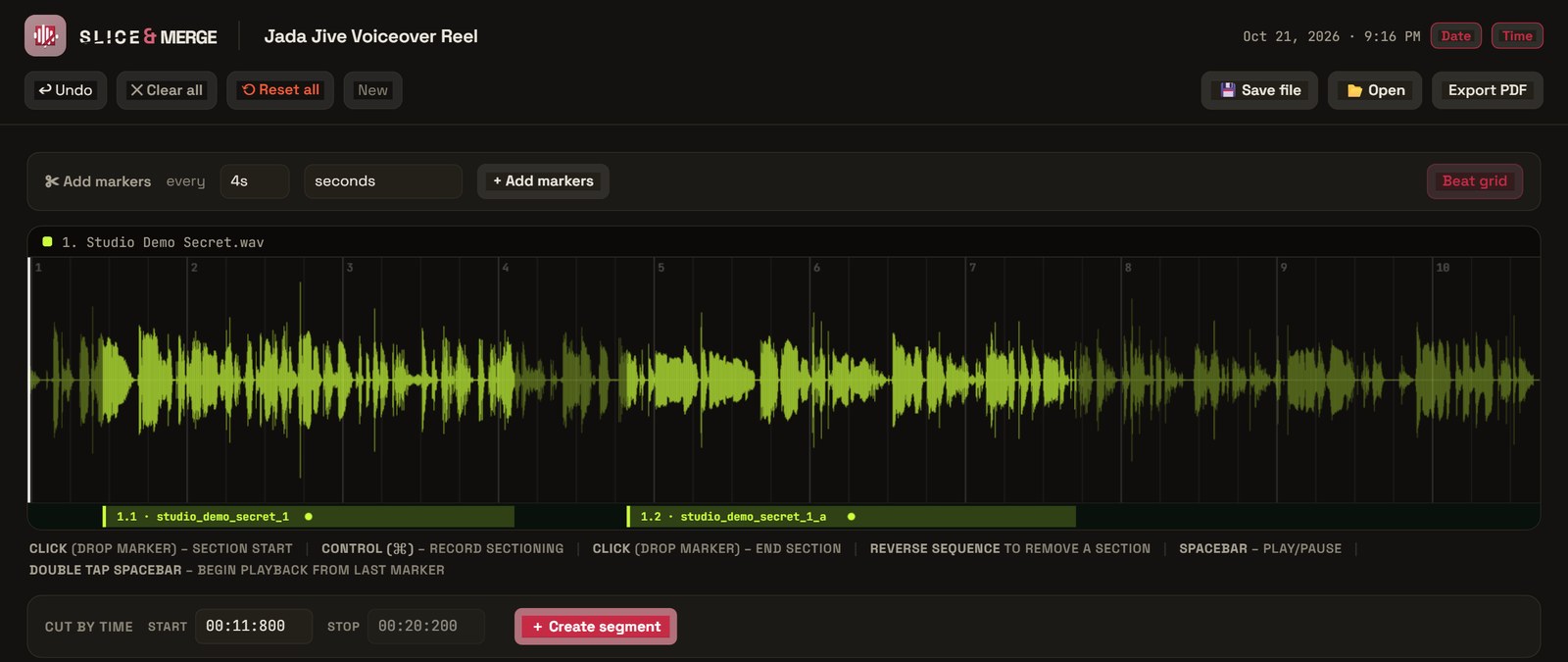
Cut on the Waveform
Step through every uploaded file and mark exactly what you want to keep, right on the waveform.
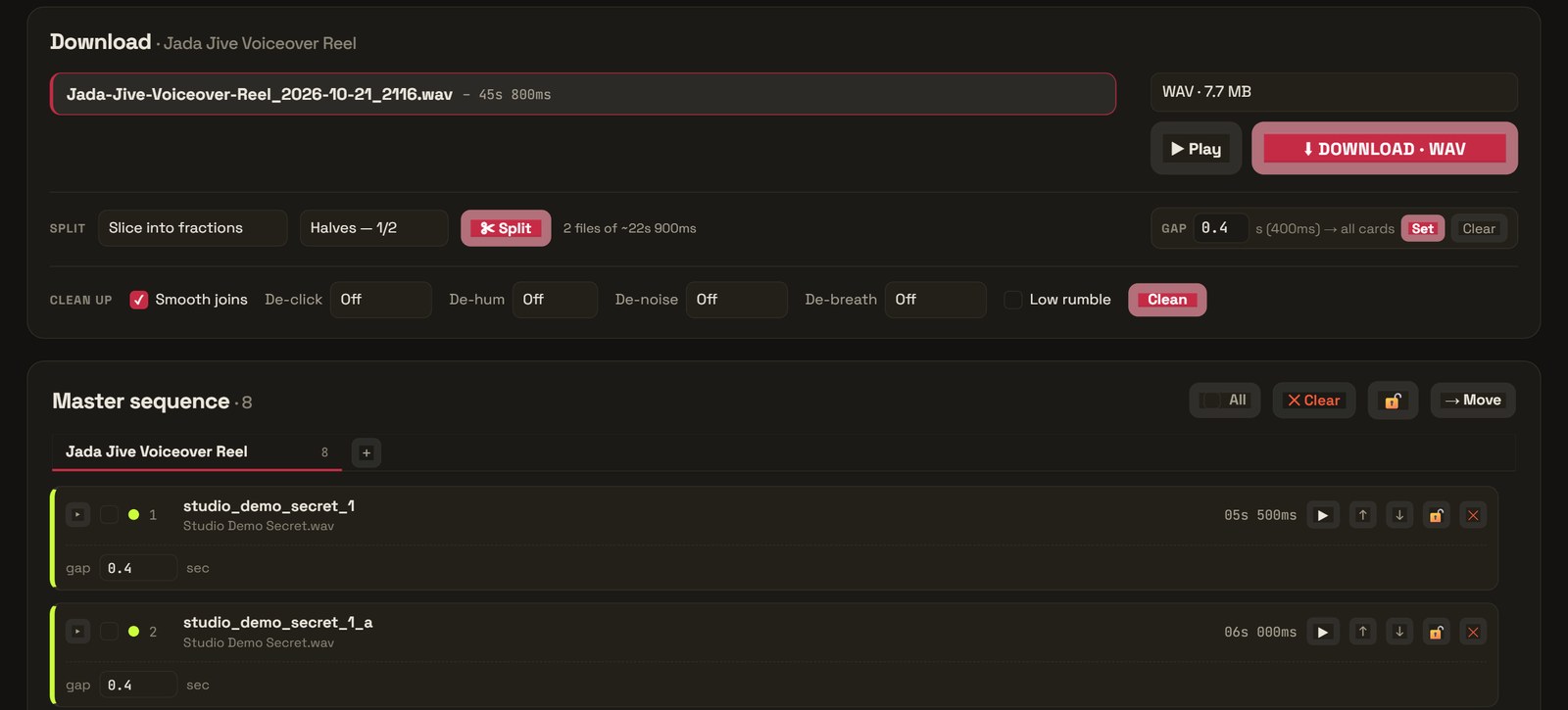
Master Sequence & Files
Builds a master sequence list plus customizable master files — download them, or run them back through for another round of segmentation.
Silence Trimming & Custom Gaps
Trims dead air automatically and lets you set the exact gap between clips for natural pacing.
Two-Stage Audio Cleanup
Clean each clip as it's sliced, then scan and clean the entire master sequence once more before download.
Takes, Voiceover & More
Comp the best vocal takes, assemble voiceover and audiobook lines, edit podcasts and interviews, or build clean clip libraries.
Smart Edge Detection
Automatic detection of clipped words and unnatural starts or endings, so every cut lands cleanly between words.